See the spectrum
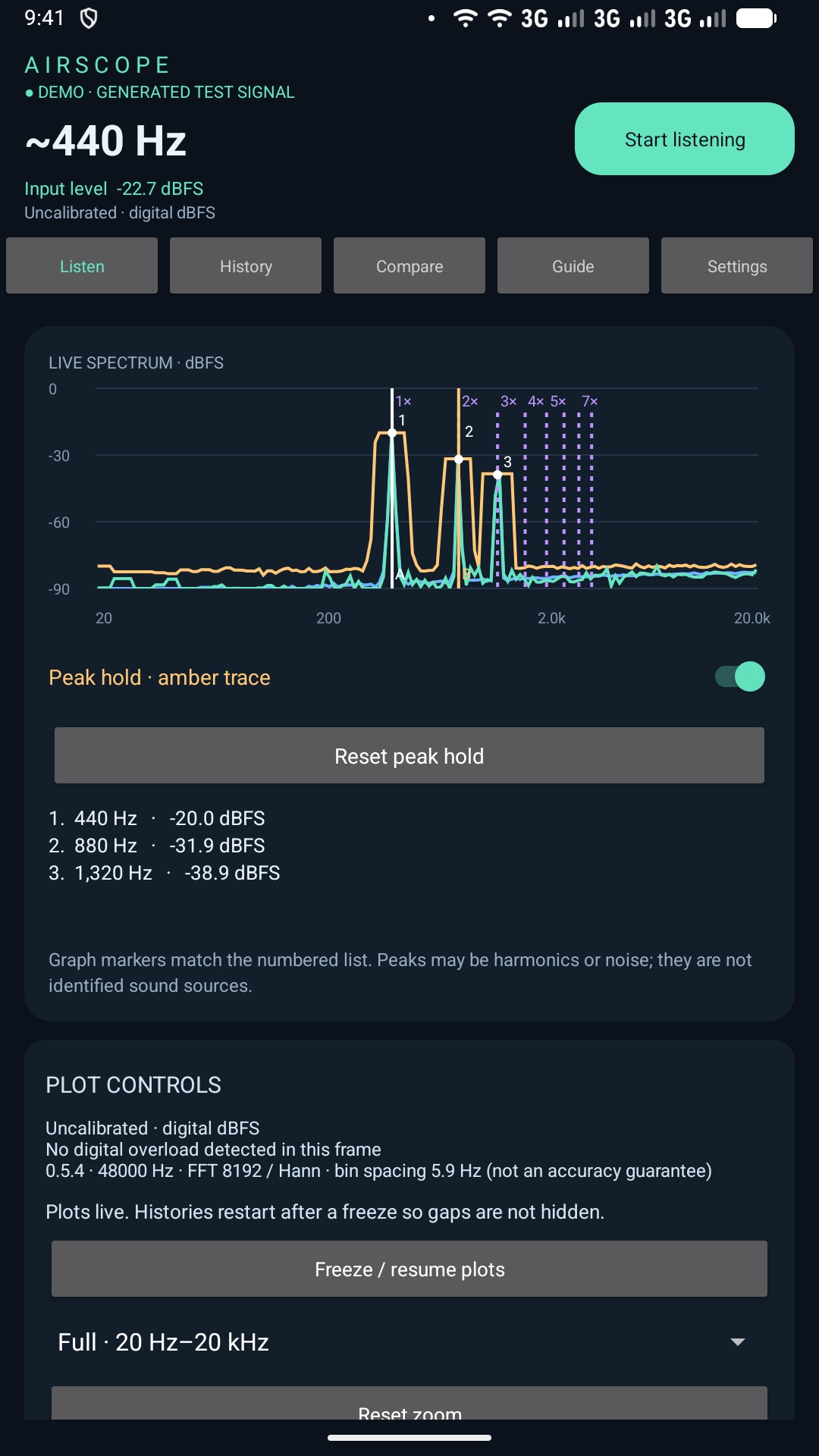
Explore prominent frequency peaks with zoom and pan, peak hold and a rolling five-second power average.
 INDICUS STUDIOS
Audio frequency detection & exploration
In DevelopmentSee, compare, and document sound.
Explore the frequencies picked up by your Android phone’s microphone. Inspect a hum or tone, compare what changes, and keep useful charts and notes from your observations.
Not yet available for public download.
Provisional artwork · may change before release
WHAT YOU CAN DO
Explore prominent frequency peaks with zoom and pan, peak hold and a rolling five-second power average.
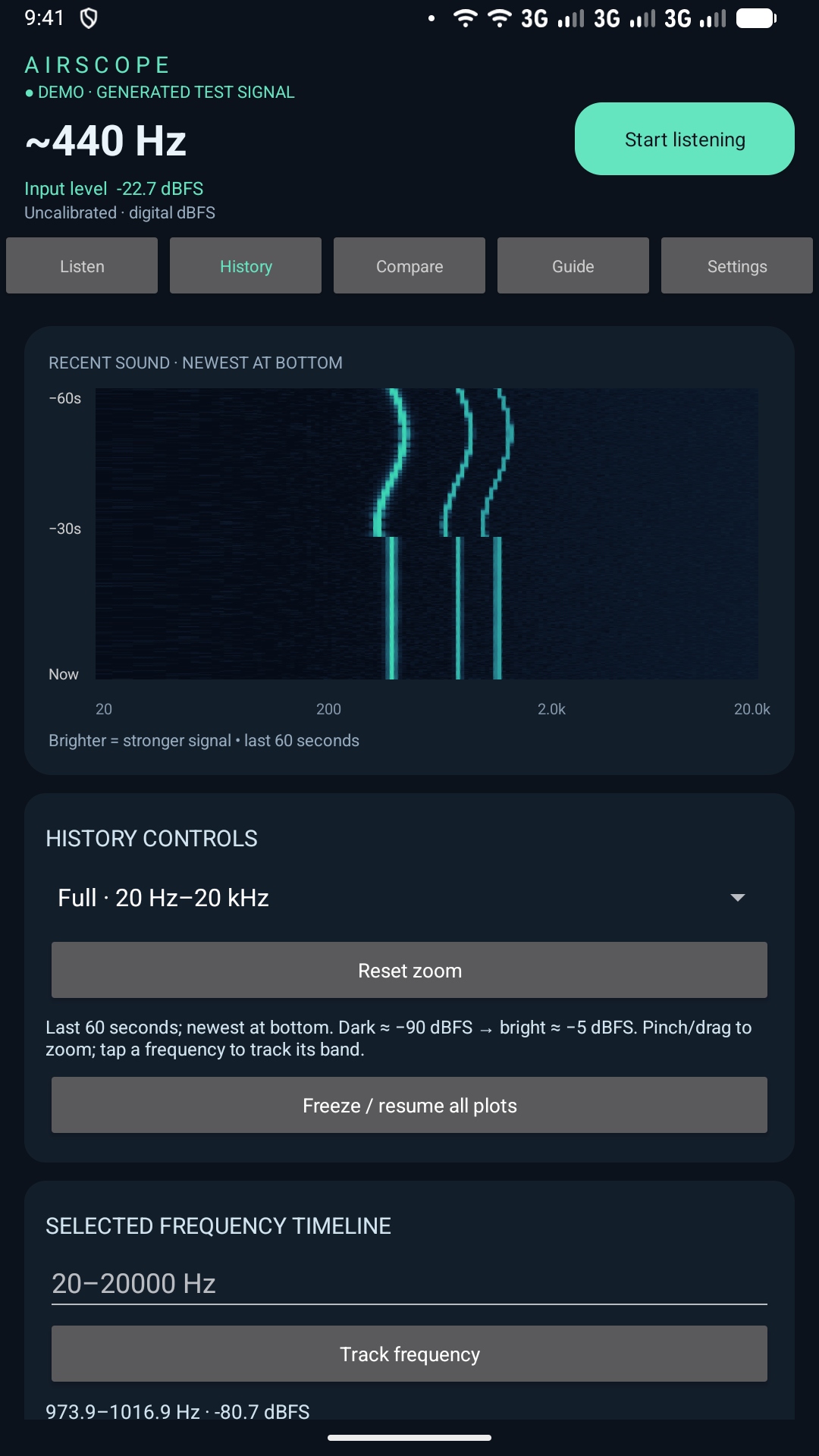
Use a 60-second spectrogram and a selected-frequency-band timeline to inspect how sound changes.
Capture five-second samples before and after a change, then inspect overlaid spectra and differences in a selected band.
Inspect approximate notes, cents, tone stability and expected harmonics. Two cursors show frequency spacing, ratios and level differences.
Follow guided tasks for everyday hums, repeating tones and speaker-placement comparisons, with a frequency reference guide.
Save up to 100 snapshots or comparisons with setup notes. Export PNG charts, HTML reports or CSV data when you choose.
INSIDE THE APP
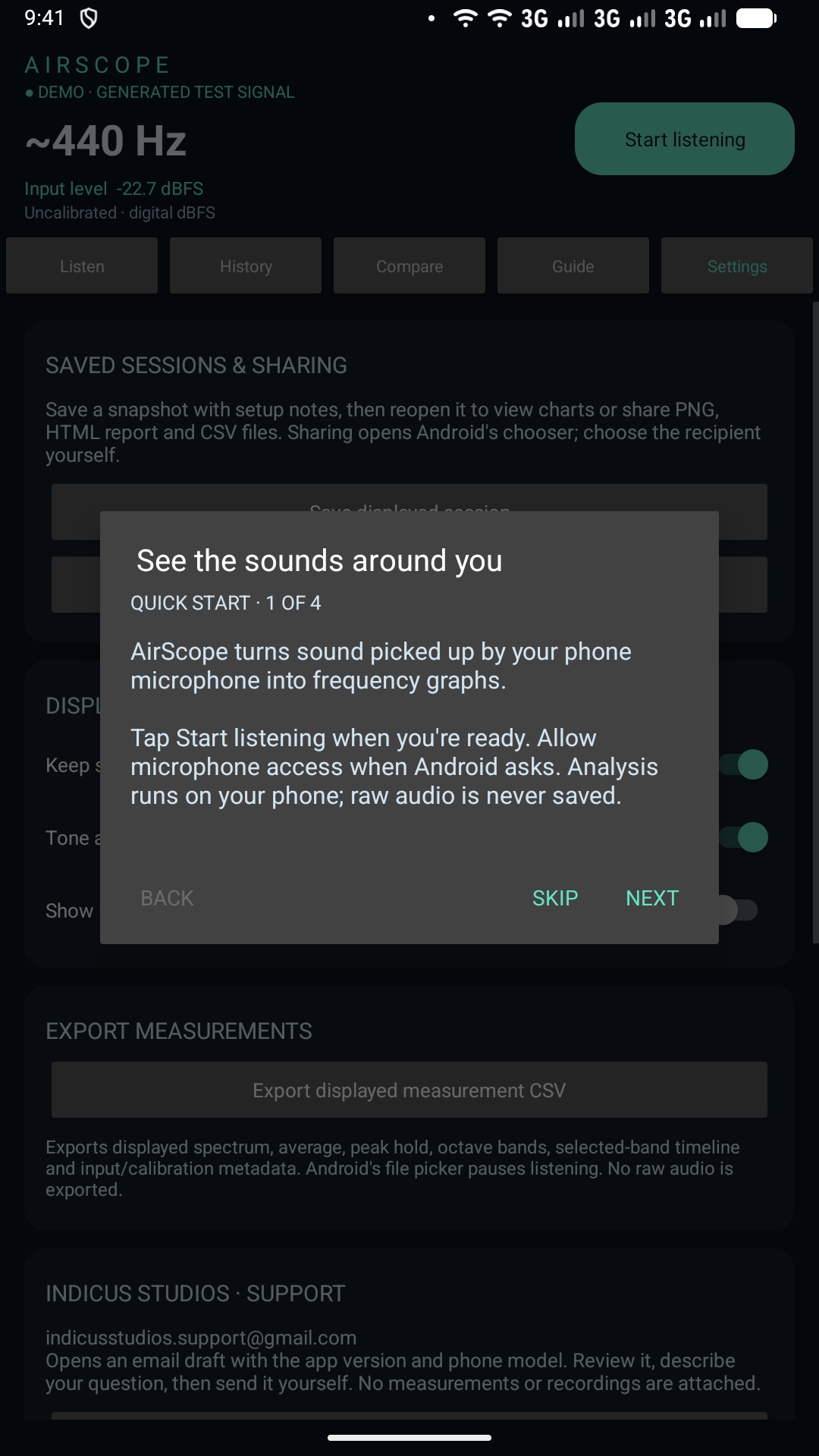
These are actual app screens using generated test signals and labeled demo data. They illustrate the interface, not environmental measurements or acoustic accuracy. Select an image to open it at full size.
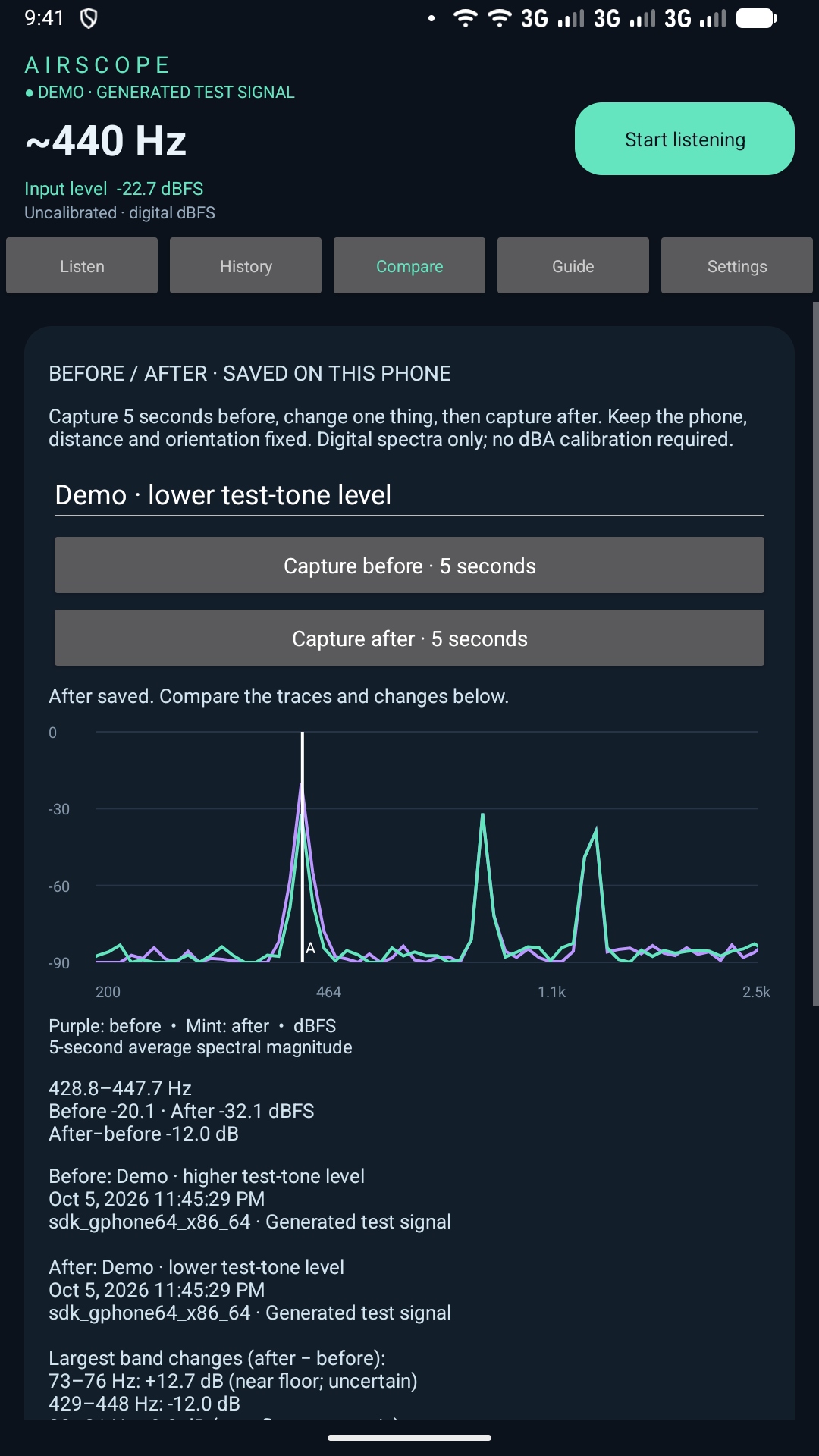
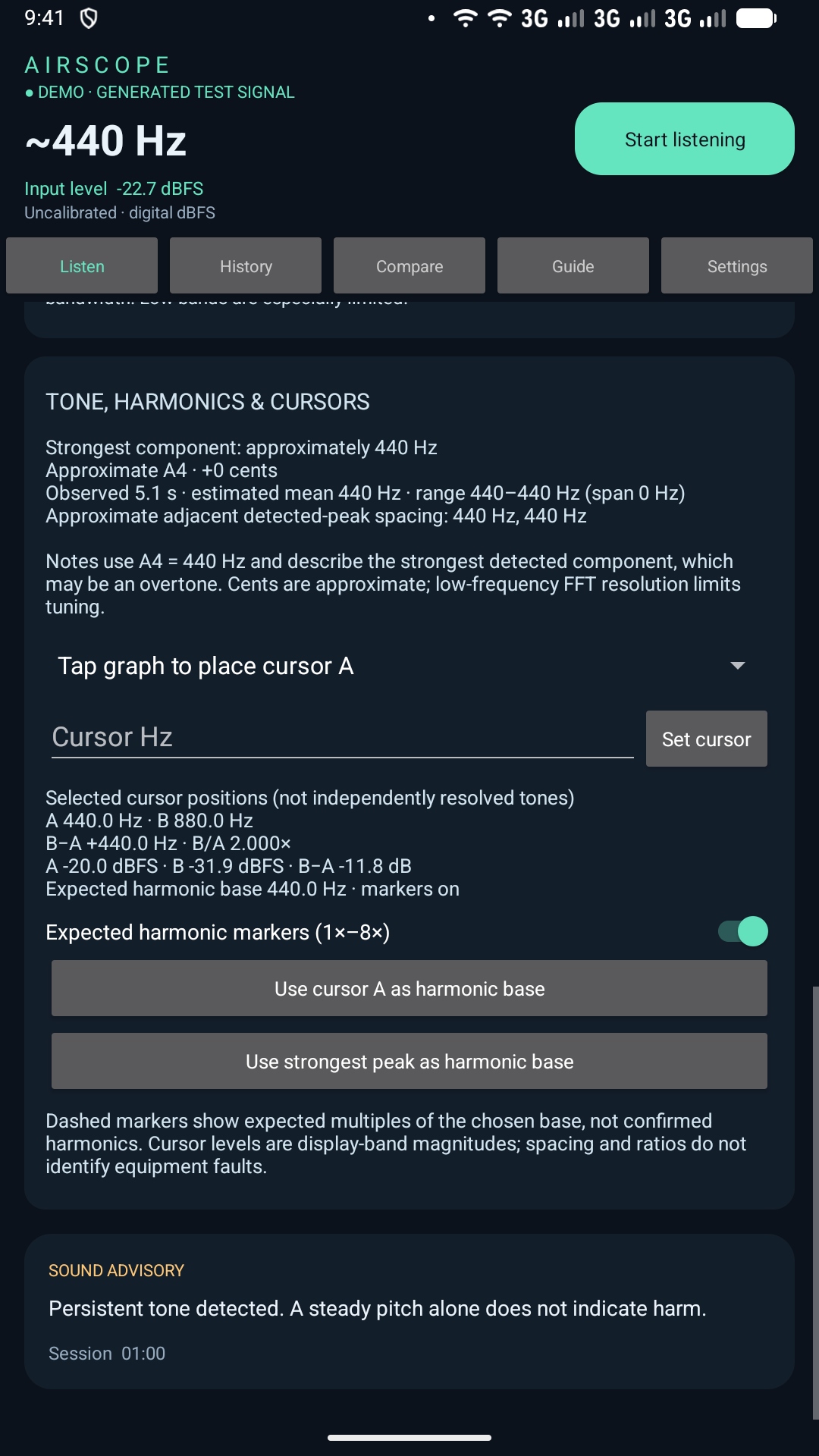
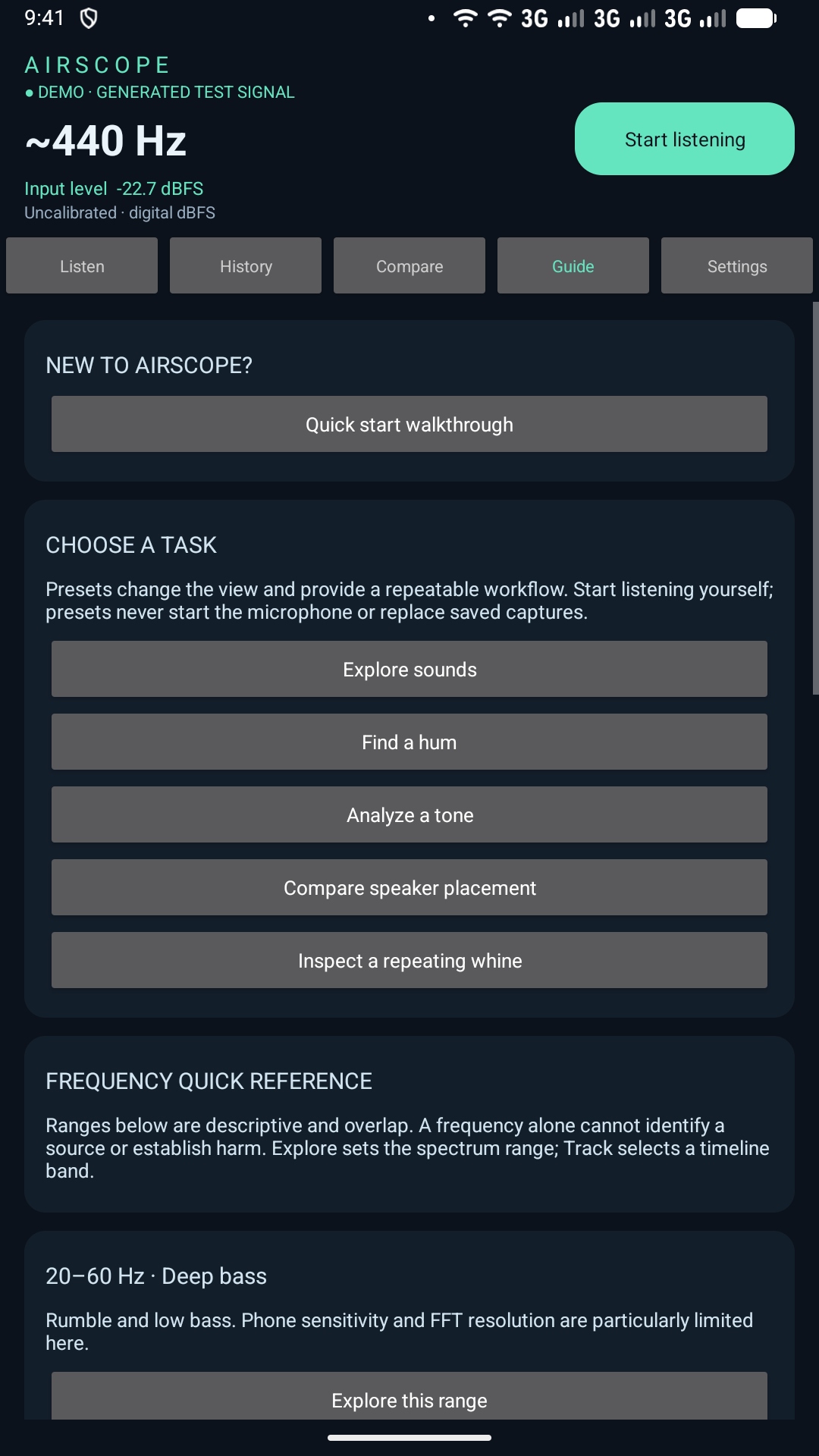
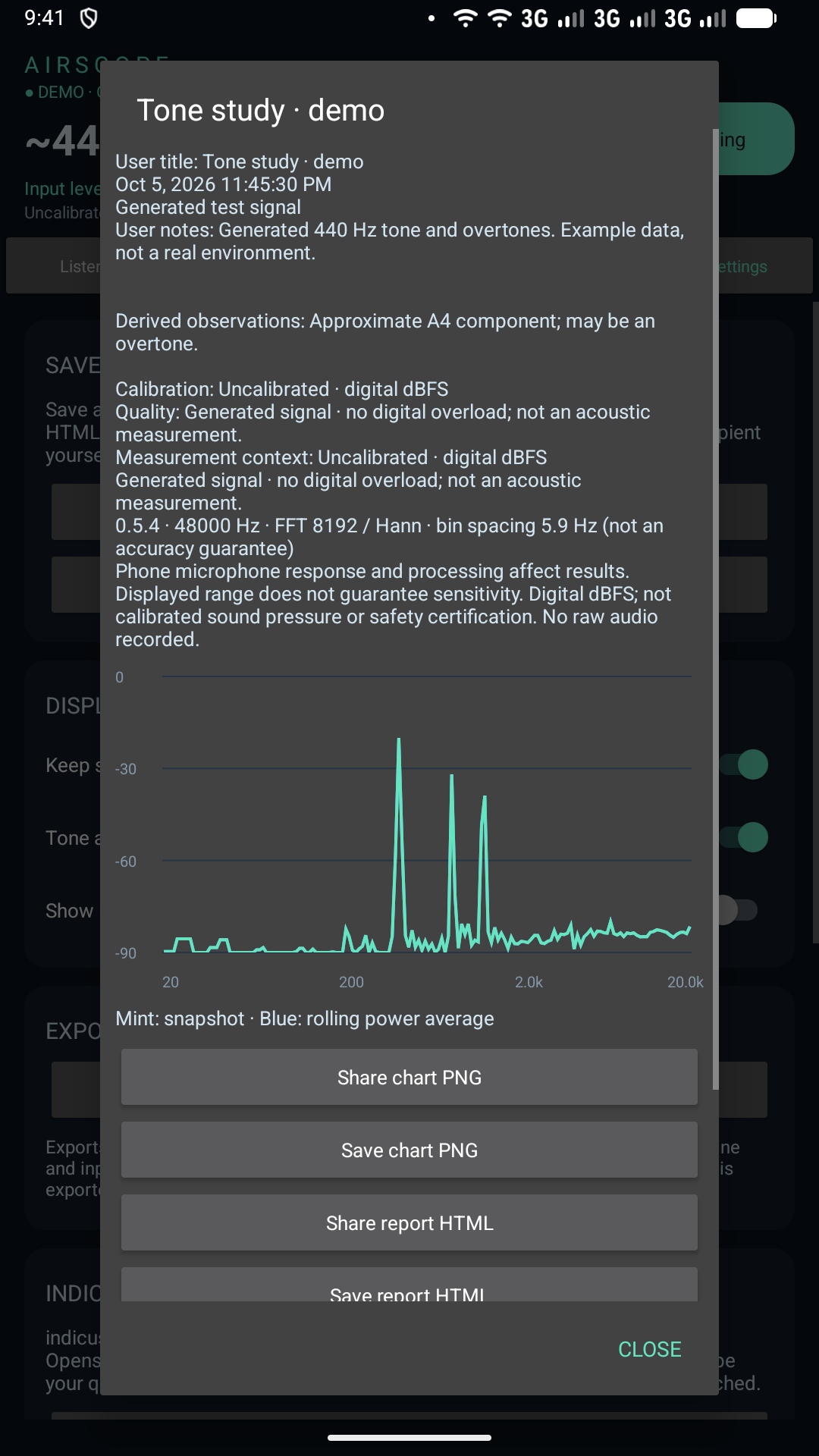
AirScope supports exploration and documentation. It does not automatically identify sound sources, detect radio signals or radiation, or certify hazards. Digital levels are shown in dBFS. Estimated dBA requires calibration against a separate reference sound-level meter. It is not a certified sound-level meter, precision tuner, hearing-safety monitor or medical device. Results depend on your phone, microphone and surroundings.
Analysis runs on your device. Raw microphone audio is not saved or uploaded. Saved observations remain local until you choose to export or share; listening stops when you leave the app.
SUPPORT & PRIVACY
Opens your default email app. For troubleshooting, include your app version, Android version and the steps that led to the issue.
Privacy policy ↗Read how AirScope handles microphone audio, saved observations and optional support messages.