Retune while you listen
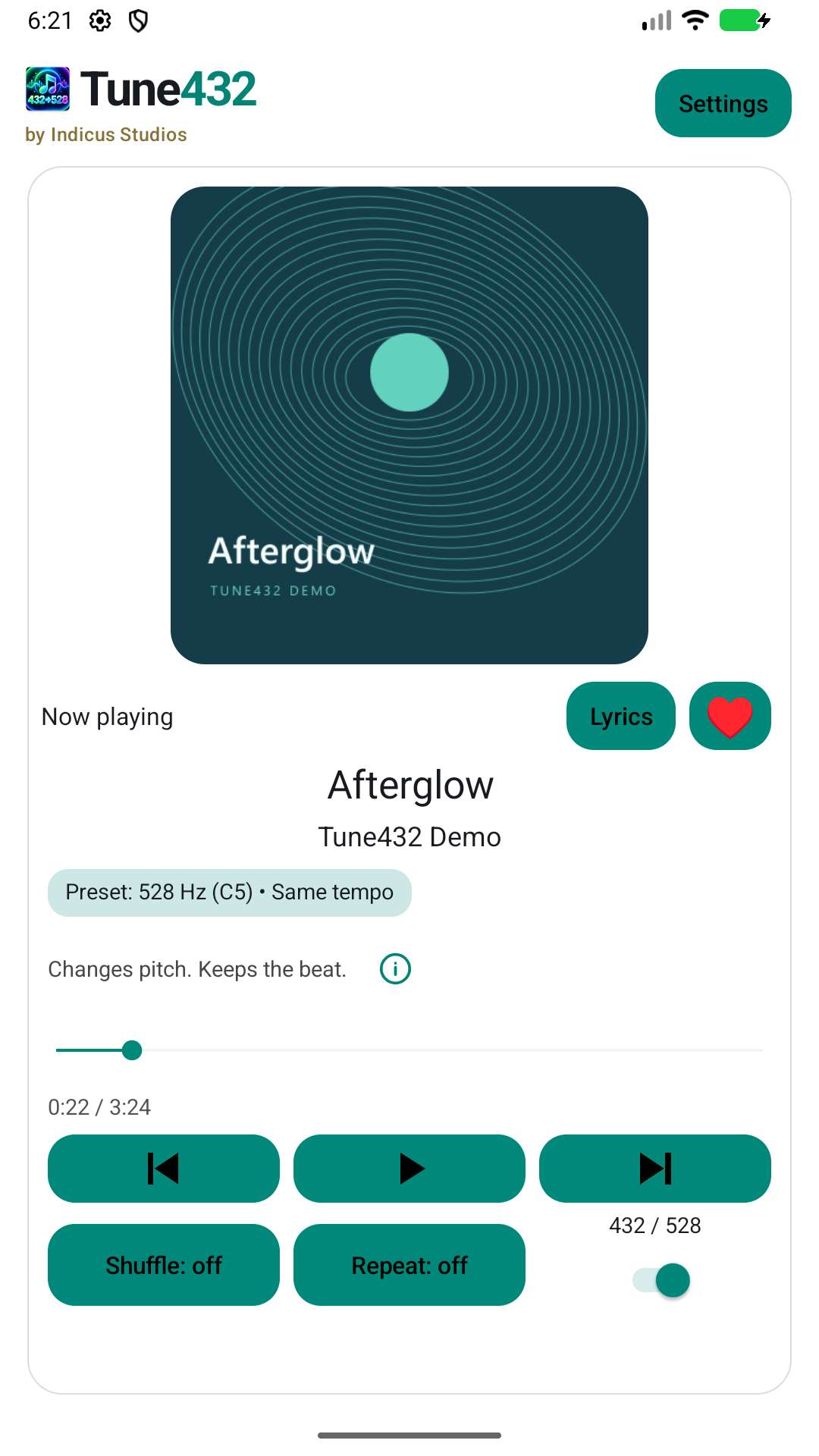
Change pitch. Keep the beat. Choose a playback preset or turn tuning off to hear the file at its unchanged pitch.
 INDICUS STUDIOS

Local music player & MP3 converter
In developmentYour music. Your chosen tuning.
Play your local music, convert audio and video to MP3, and choose how you retune. Switch between 432 Hz A4 and 528 Hz C5 during playback, or save a retuned MP3 to enjoy later. Both presets keep the tempo.
Not yet available for public download.
Listen retuned · Convert to MP3 · Save retuned audio
WHAT YOU CAN DO
Change pitch. Keep the beat. Choose a playback preset or turn tuning off to hear the file at its unchanged pitch.
Export a new MP3 with your chosen tuning, or keep the original pitch. Your original file stays intact, and retuned exports retain their tuning when played elsewhere at normal pitch.
Turn supported local audio and video files, including MP4, into MP3. Choose the output tuning and save location without uploading your music for conversion.
Organize favorites, playlists and what plays next. Add artwork from your phone, read and edit local lyrics, and keep music within reach through the mini player, notifications and artwork widget.
For Android 8 and newer. Music files are not included. Input support depends on your phone. Artwork and lyrics use embedded content or material you add; online artwork and lyrics searches are not included. Optional MusicBrainz title and artist matching requires internet access.
INSIDE THE APP
Actual app screenshots using studio-owned demonstration music and artwork. Music is not included with Tune432. Select an image to open it at full size.
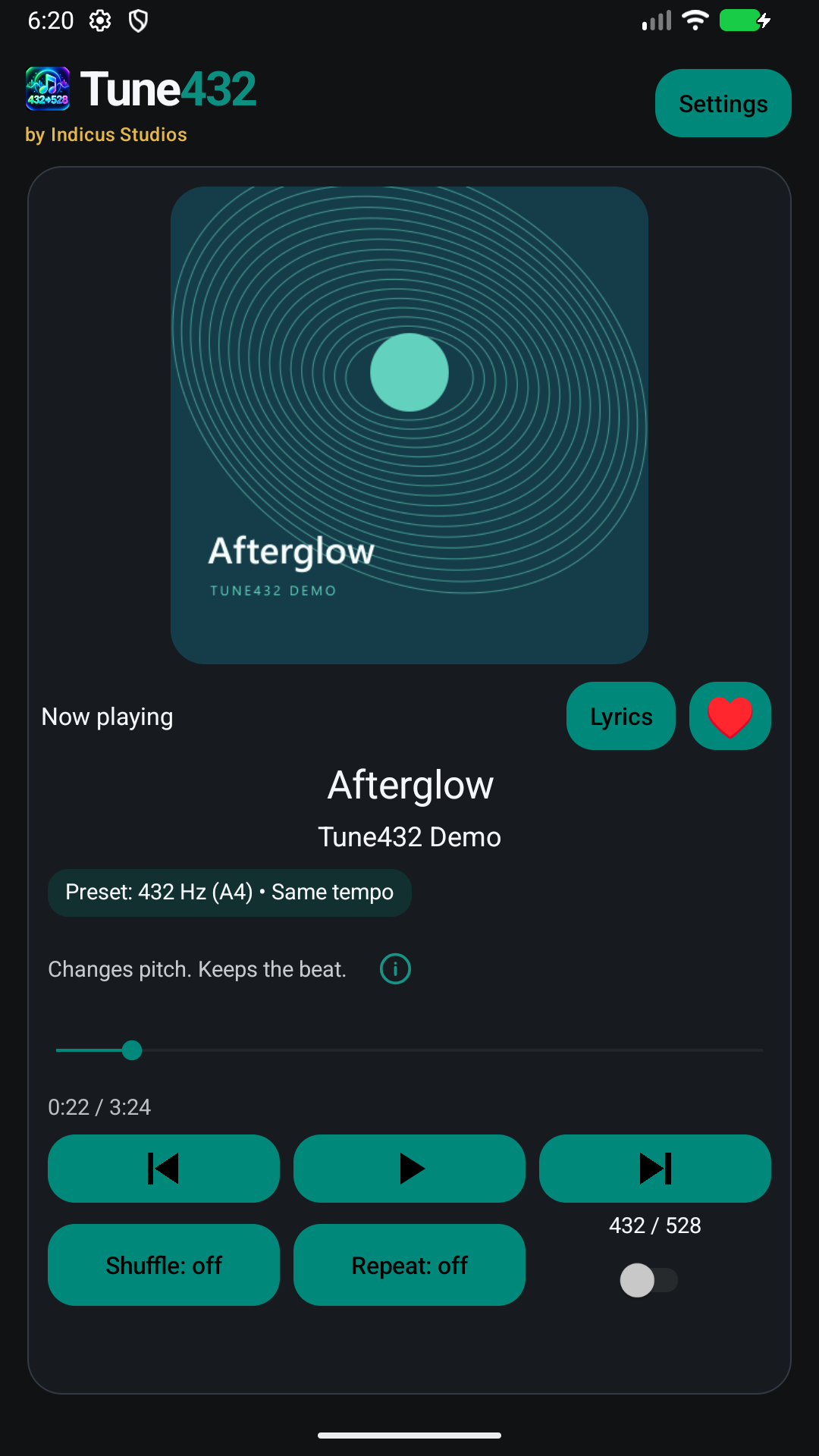
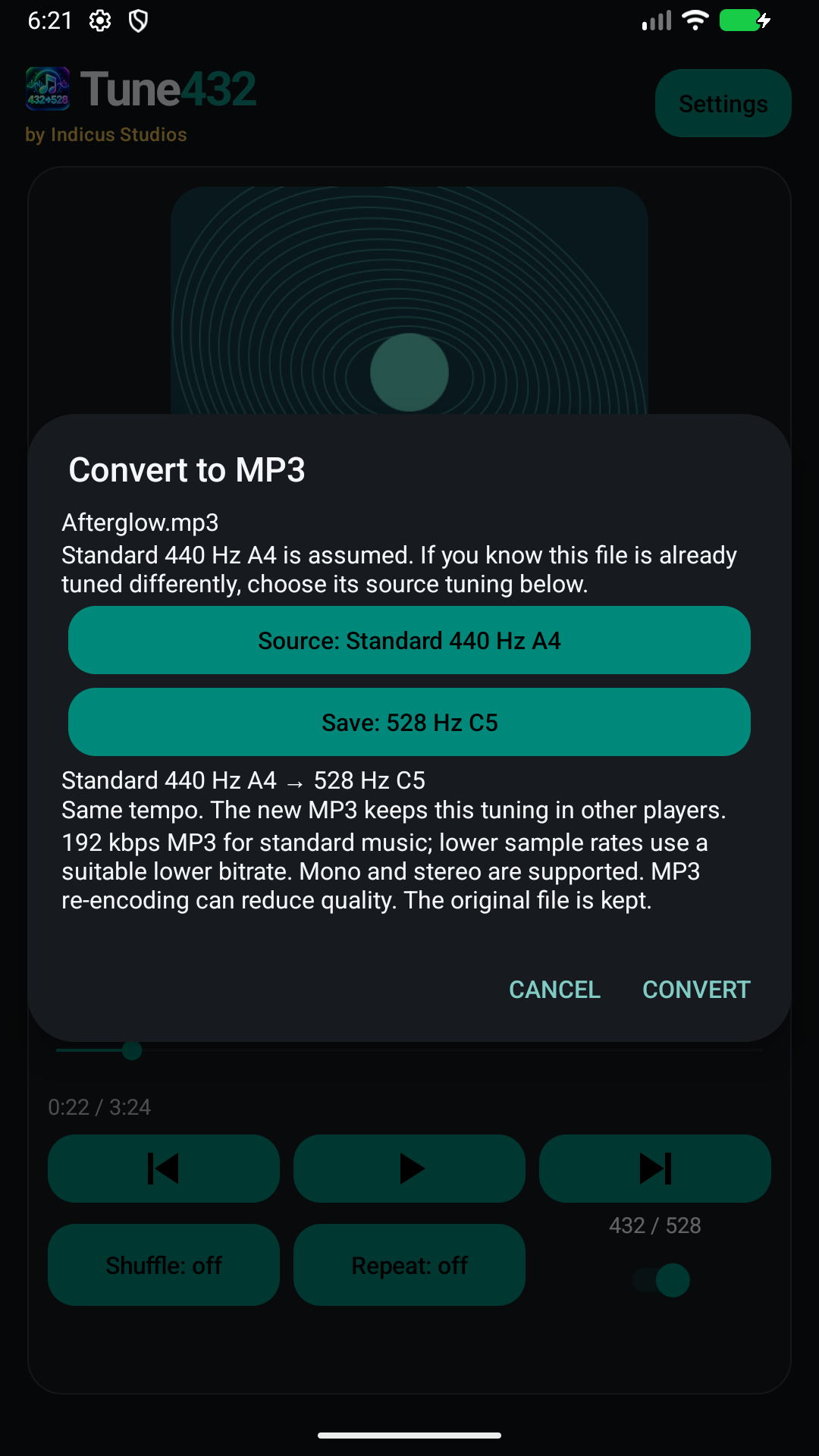
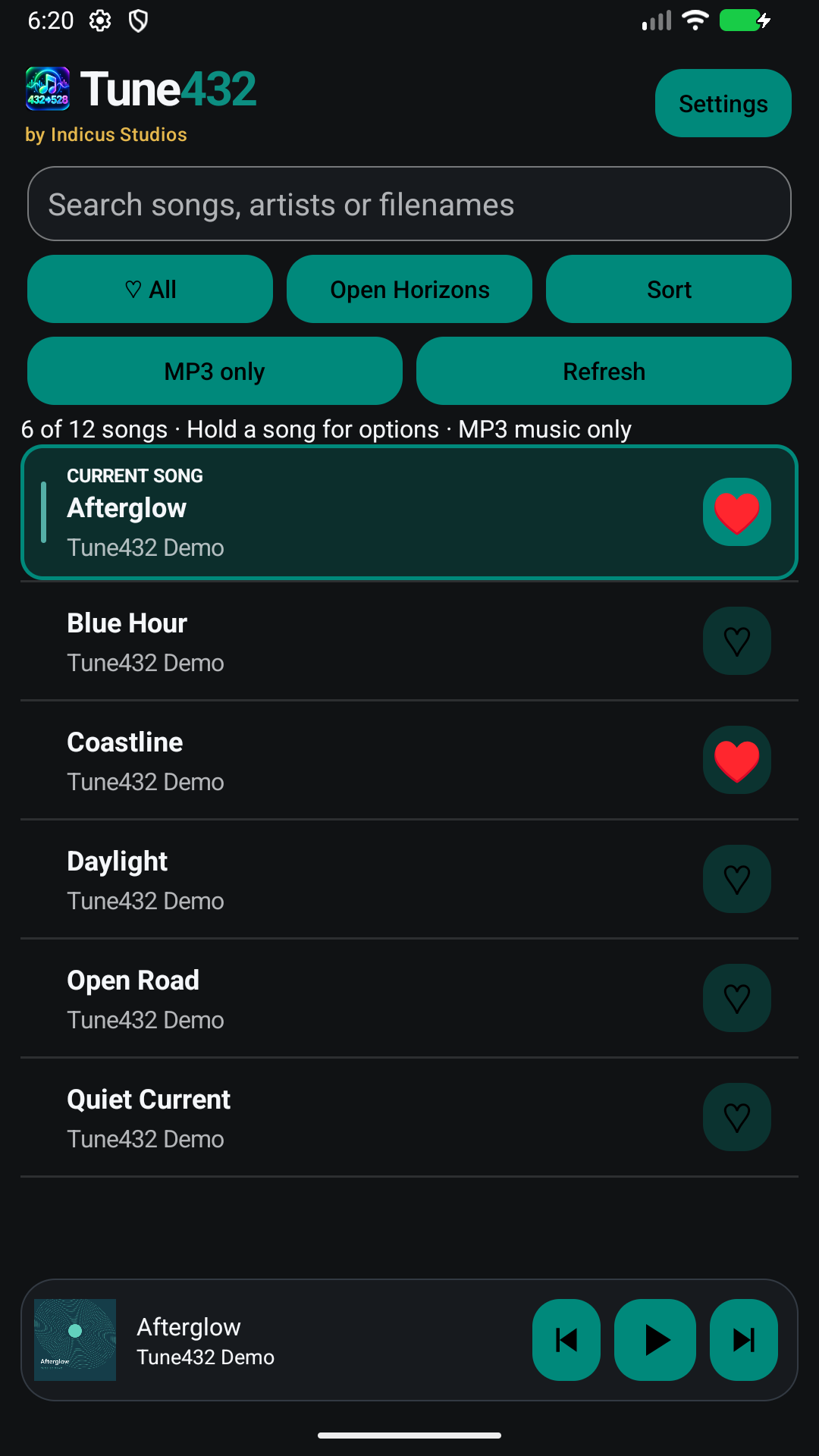
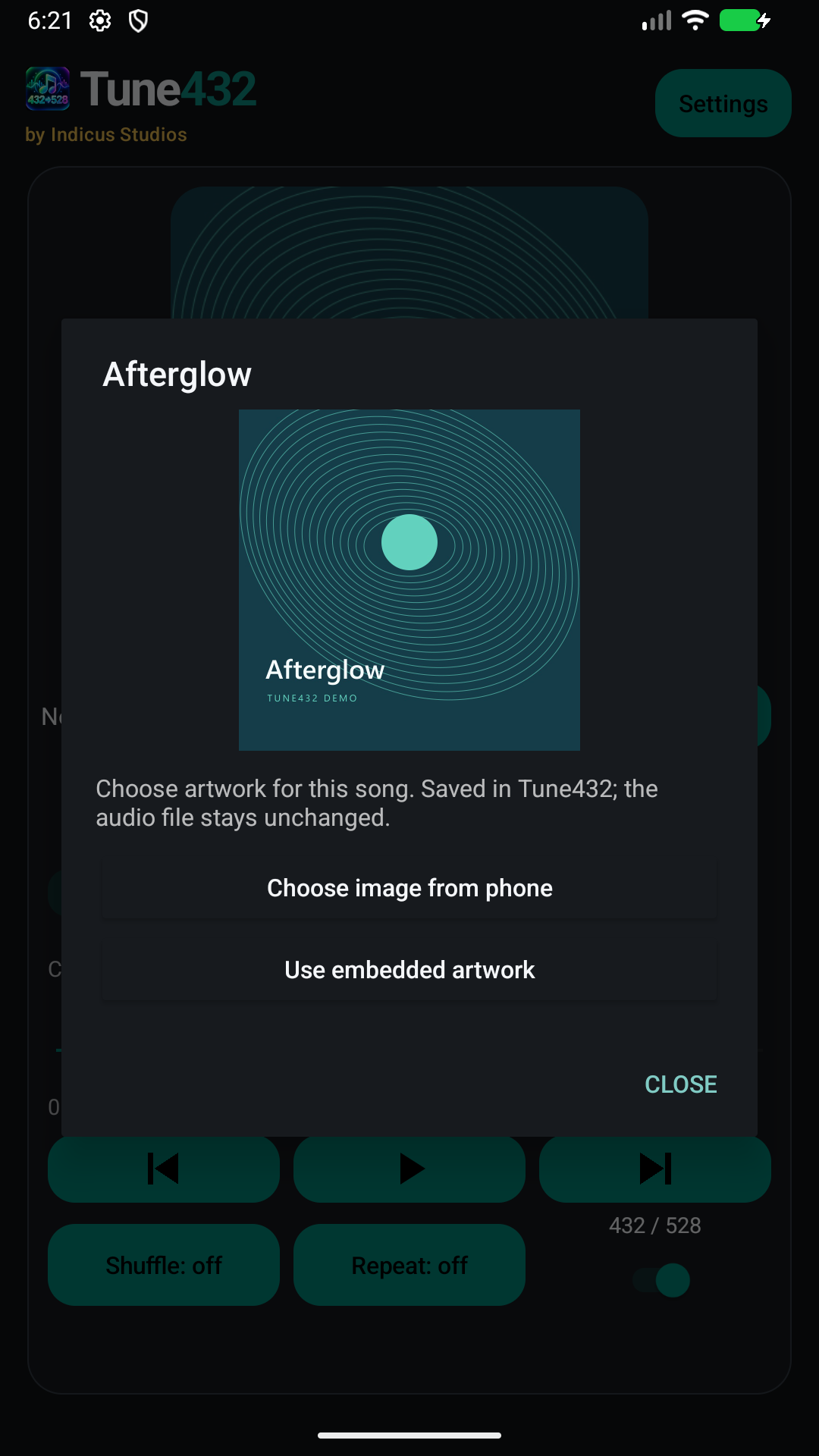
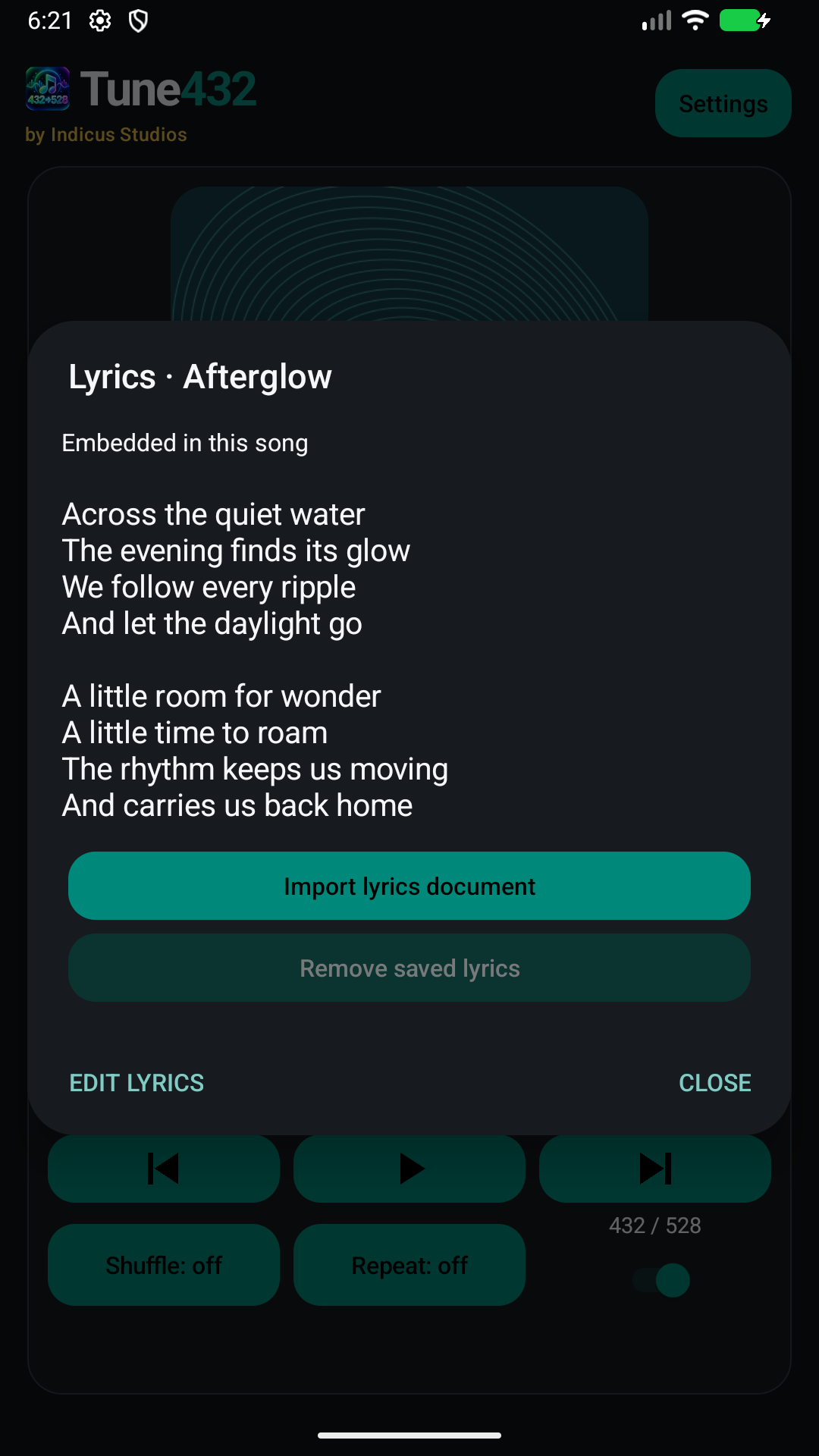
Playback and conversion use local files on your phone. Optional MusicBrainz matching searches for title and artist information only, after you confirm a search. Review a result before saving it. Display edits, chosen artwork and added lyrics stay within Tune432 rather than rewriting original tags.
Unmarked recordings are assumed to use standard 440 Hz A4; Tune432 does not automatically detect a recording’s original tuning. It recognizes its own export tuning markers. MP3 compression and pitch processing can affect sound quality.
Conversion uses the first audio track of a supported file. Mono and stereo are supported; input support depends on your phone’s decoders. Keep Tune432 open until conversion finishes. Use files you have permission to convert.
SUPPORT & PRIVACY
Opens your default email app. For troubleshooting, include your app version, Android version and the steps that led to the issue.